 - design of peer-to-peer tutoring platform
How I built the design system, the research practice, and the designed features that got students to actually show up.

- Role
- Product Design Lead
- Timeline
- 3+ years
- Platform
- Web · Mobile app · Marketing
- Tools
- Figma · Smartlook · TARS


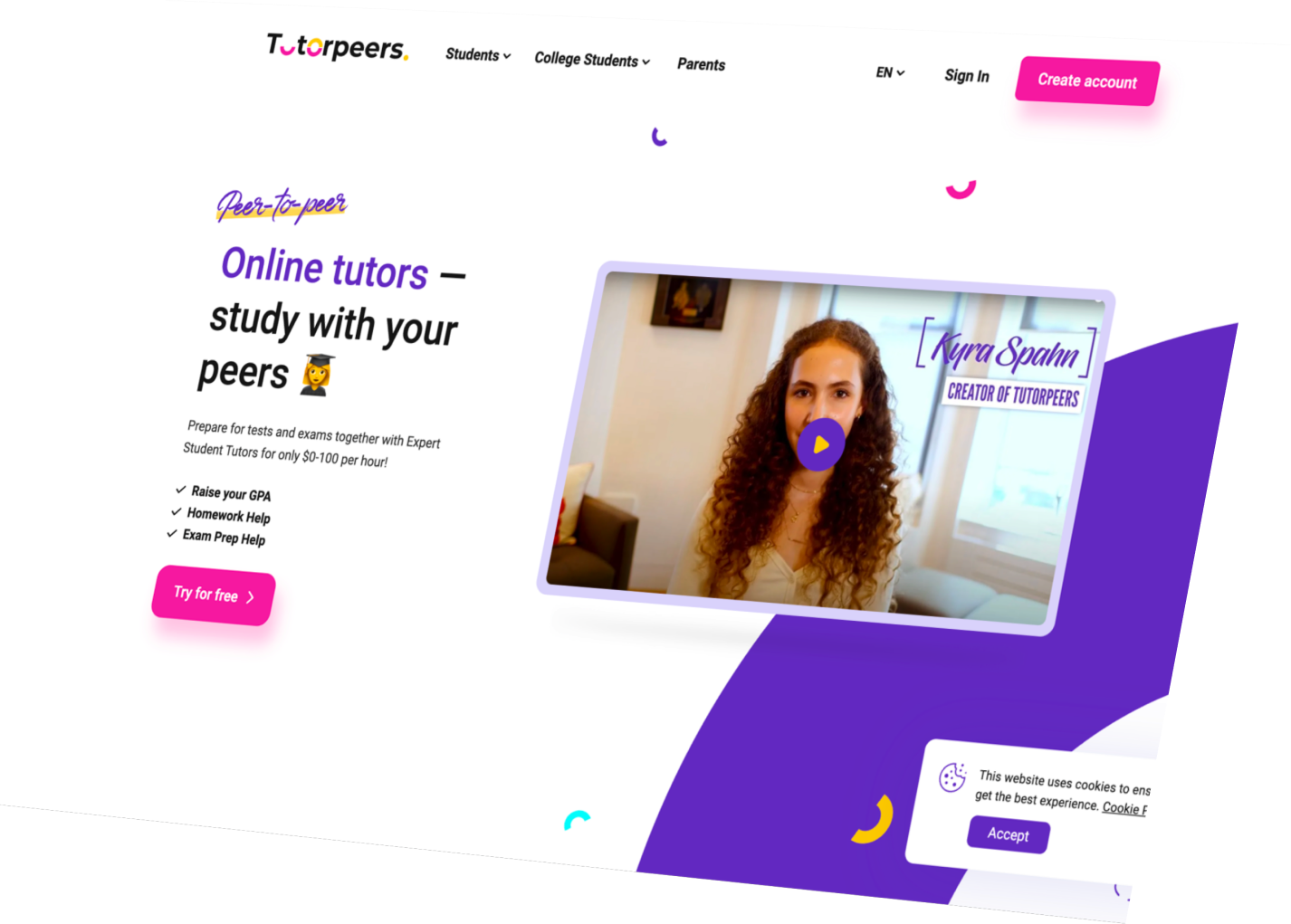
What is Tutorpeers?
Tutorpeers is a peer-to-peer tutoring platform connecting students aged 13–25.
The platform served four user types - Learners, Tutors, Parents, and Schools - including a full B2B module with teacher dashboards, student pairing, group sessions, and per-student analytics.
A one of a kind peer tutoring platform built by students for students
First designer in a product
When I joined three months after launch, I was the first and only designer. On the surface the product looked designed - there was a logo, and almost every page already drawn in Figma. Underneath, there was nothing to build on: everything was desktop-only, and none of it was systematized.
What was already there
- A logo
- 10+ product pages already designed in Figma
- Desktop layouts for every key flow
What was absent
- No design system
- No components, states, or variants
- No variables or tokens
- No auto-layouts
- No branding styles
- No responsive versions
And the product kept growing: every release added new screens and features, and without components or structure the Figma file became harder and harder to manage. More and more time went into maintaining files instead of designing - every small UI change meant updating dozens of screens by hand.
Building the Design System as a foundation
I built the design system alone, gradually, from existing visual elements - creating structure while the product was actively being developed.
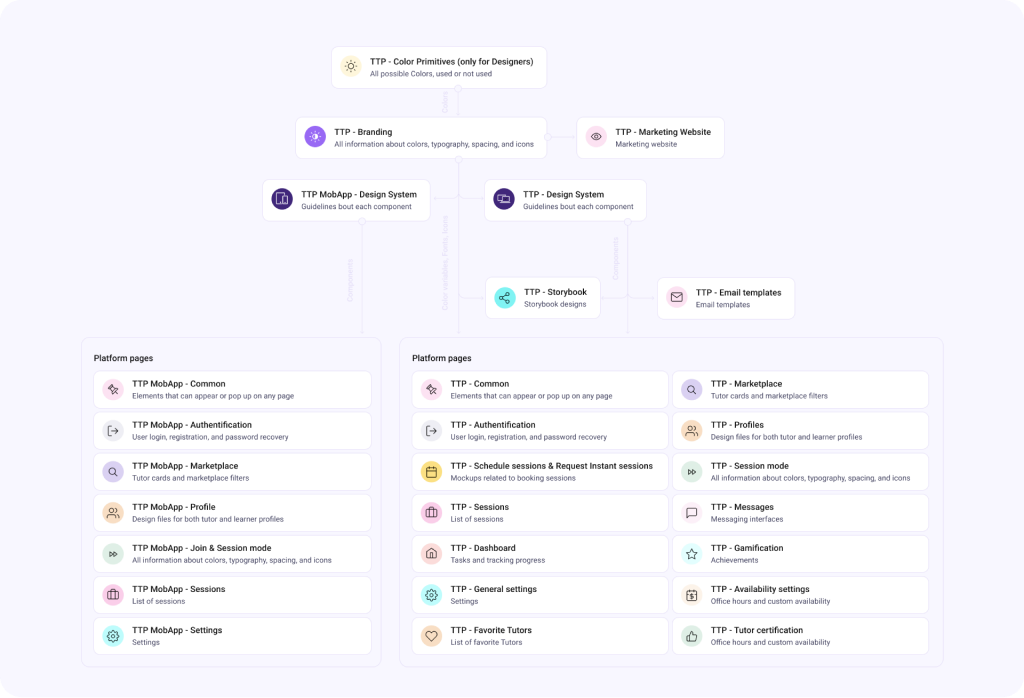
Design System Architecture
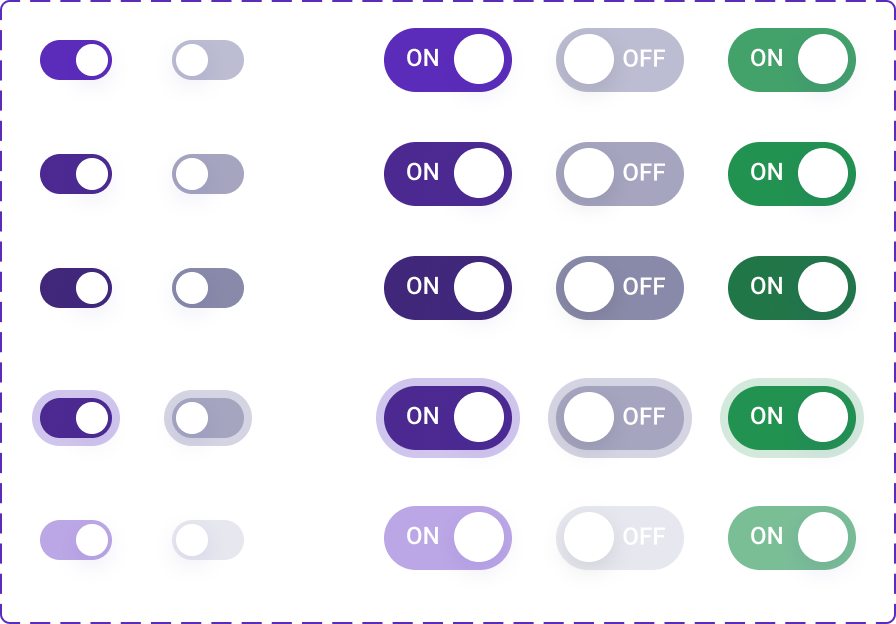
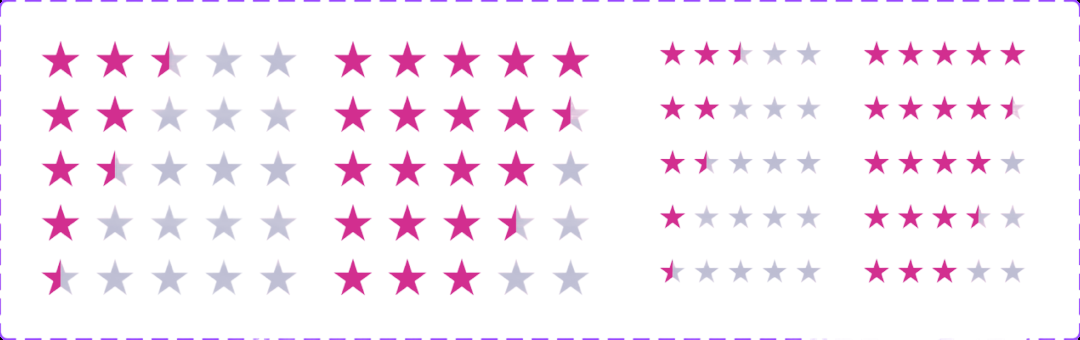
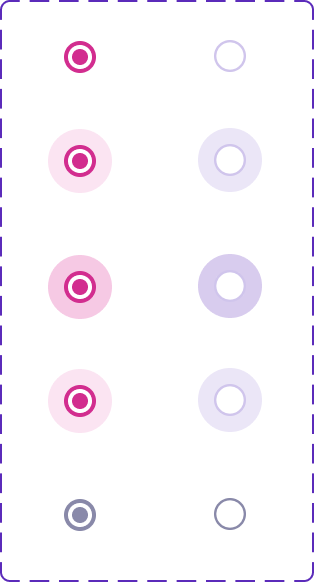
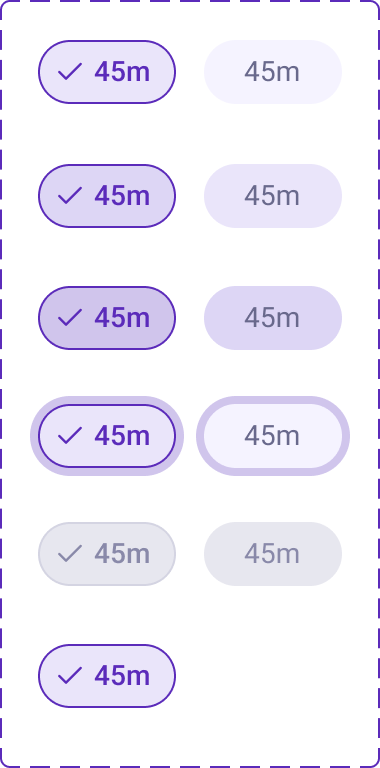
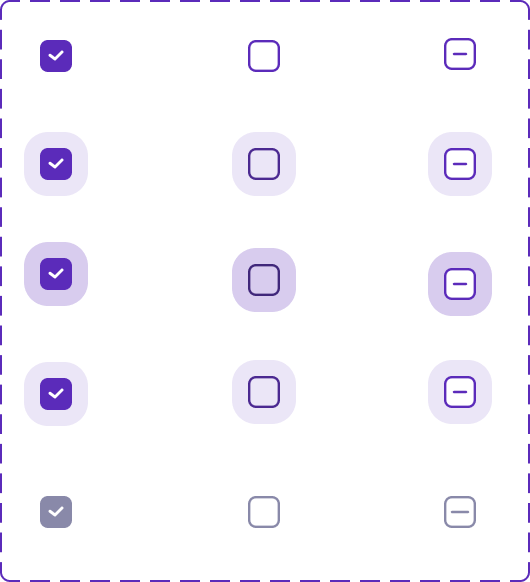
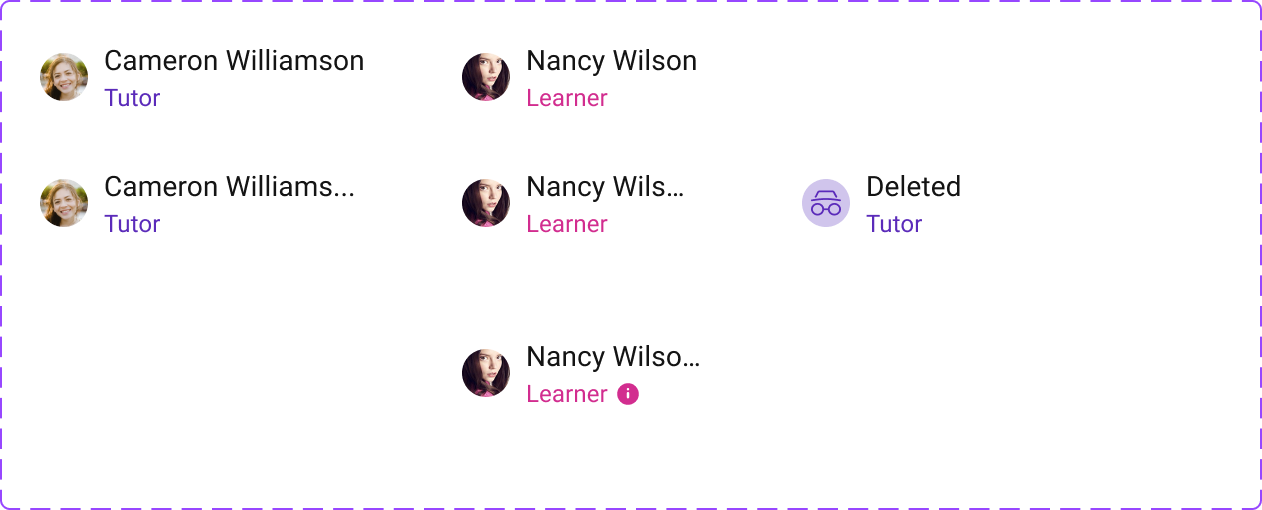
The component library covered all major UI patterns - each with their full set of states. The system was maintained across 12 Figma files, synced and consistent across web and mobile.
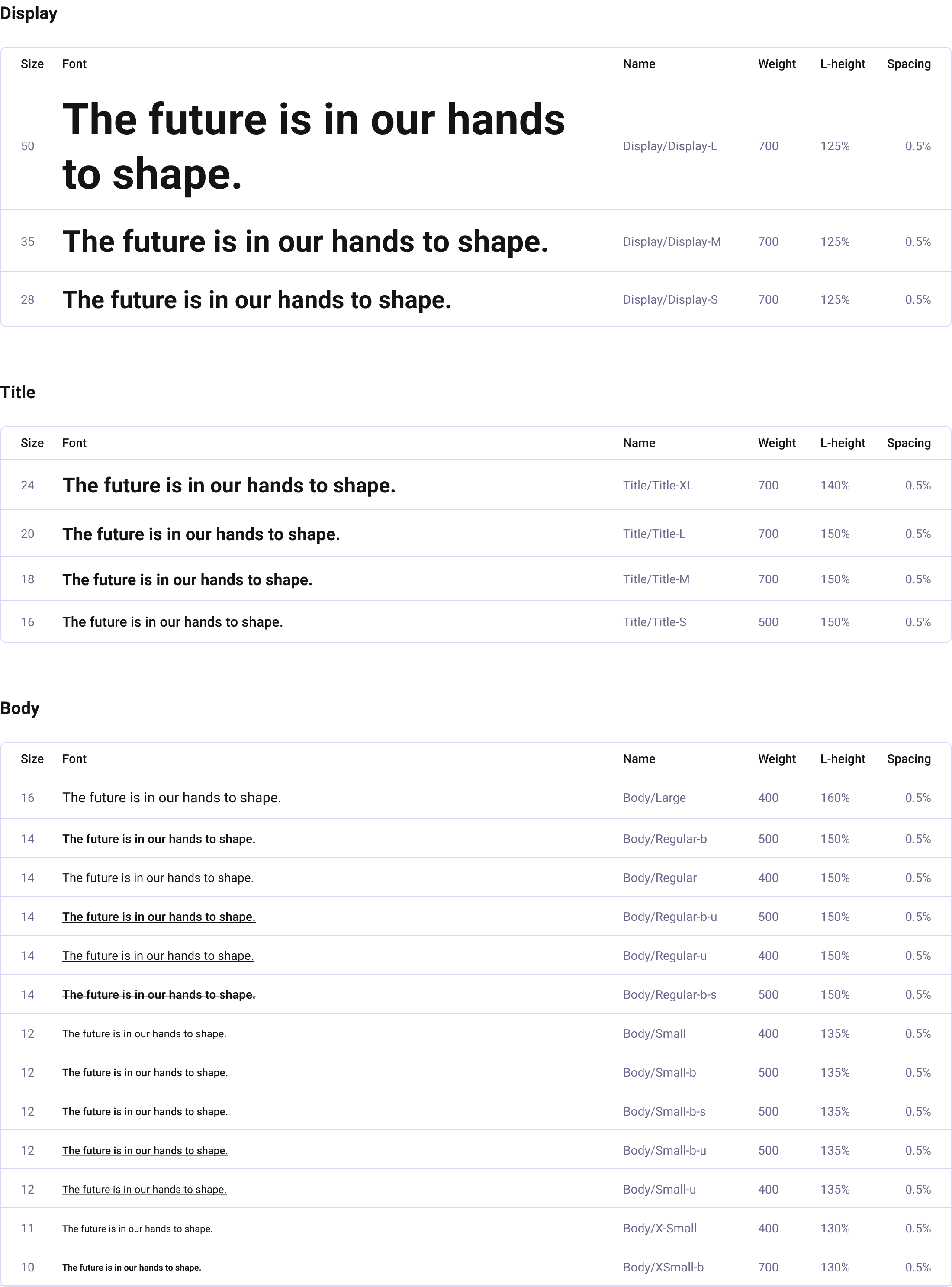
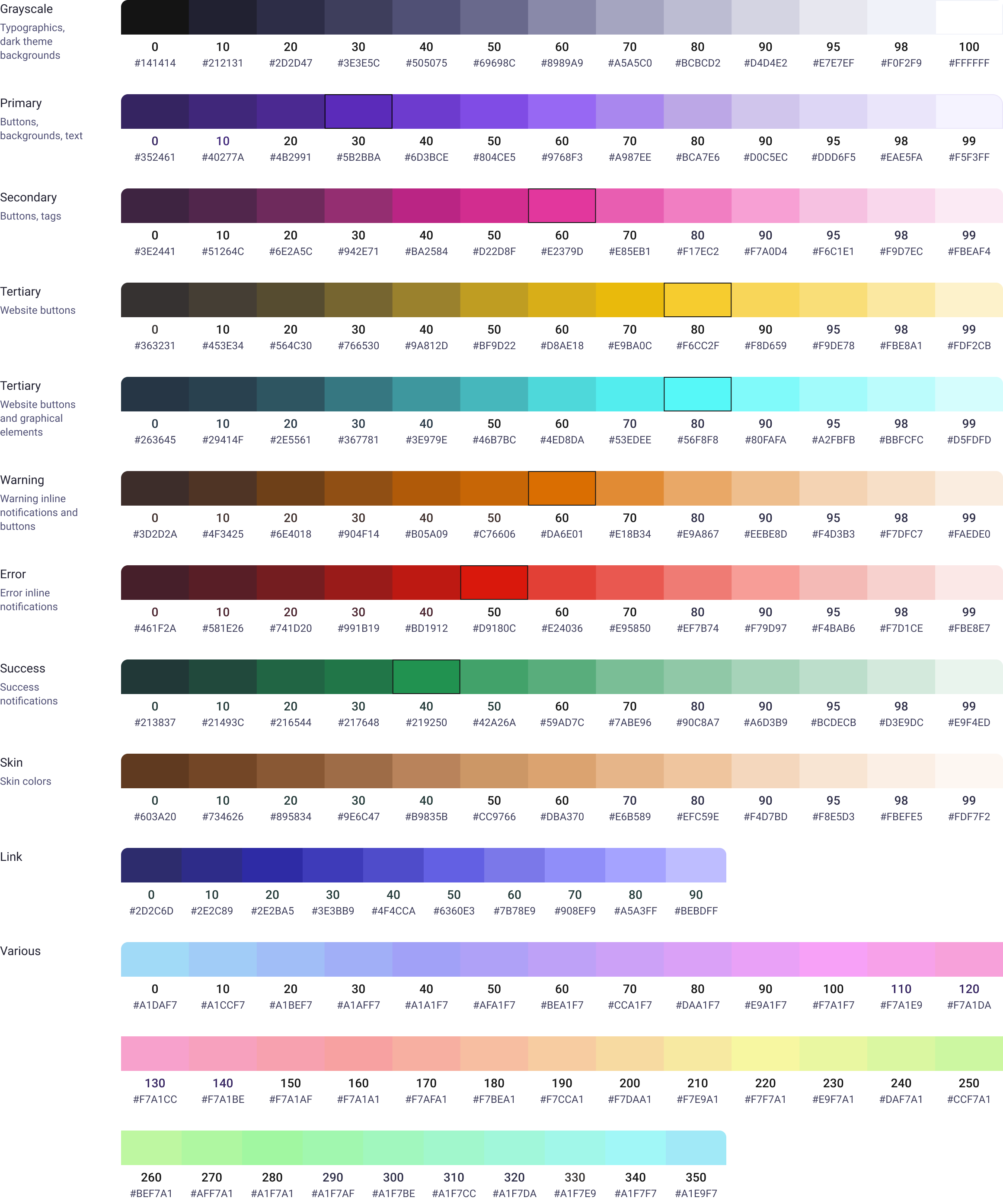
Tokens and Components examples
Color tokens
Semantic + primitive layers, dark and light surfaces, role-aware states.
Typography tokens
Type scale, line-height ramp, and weight pairs for product + marketing.
Spacing tokens
4-pt rhythm, layout grids, responsive breakpoints baked into components.
Components + states
Buttons, inputs, cards, navigation, modals - every state, every role.
Designing the product, end to end
With a foundations to stand on, it was easier to design and extend the product itself. The future updates covered a wide surface:
- B2C marketplace
- B2B school module
- 4 user roles onboarding
- paid and free sessions
- coupons
- certification
- whiteboard
- web + mobile apps in sync
This required maintaining 2-3 feature versions simultaneously, and very close collaboration with senior engineers who required pixel-perfect implementation.
- Surfaces
- B2C marketplace · B2B school module
- Roles
- Learner · Tutor · Parent · School
- Platforms
- Web · Mobile app · Marketing
Marketplace redesigned
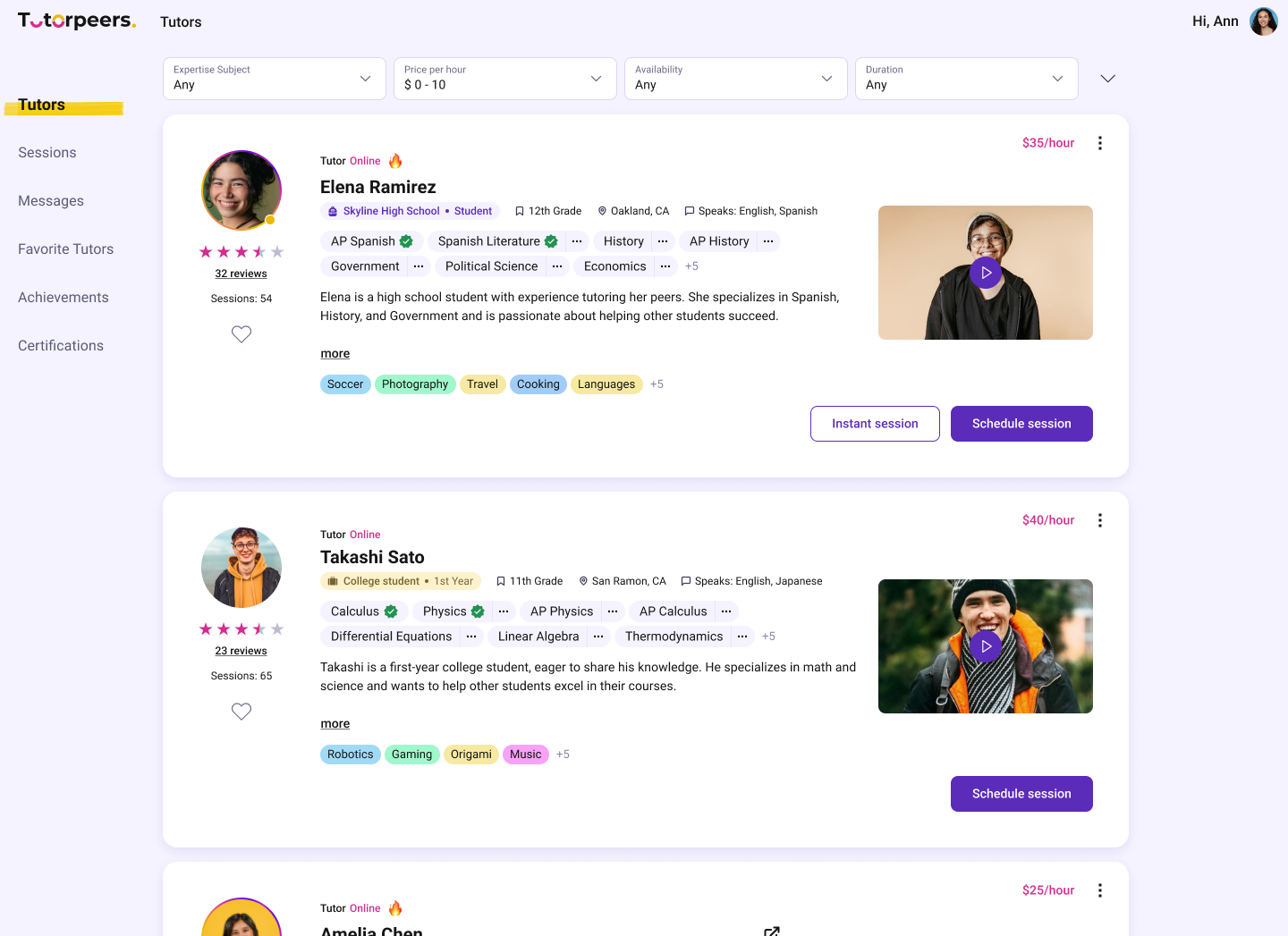
A ground-up rethink of how learners discover tutors.
Smarter filtering, cleaner hierarchy, and a layout built around decision-making
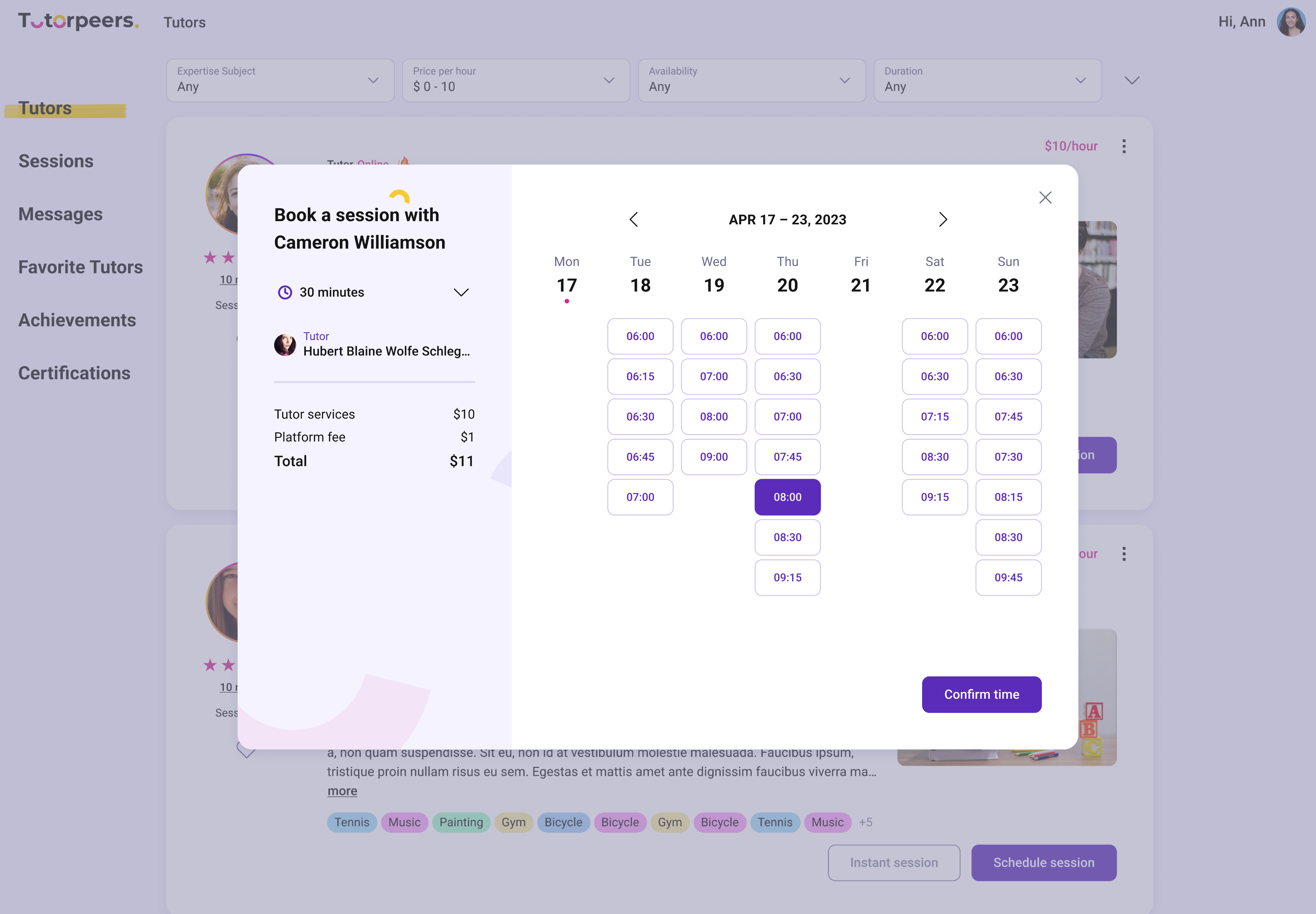
Booking flow
Single and recurring session booking, tutor filtering by subject, time, and availability, and suggested dates directly on tutor cards.
Whiteboard
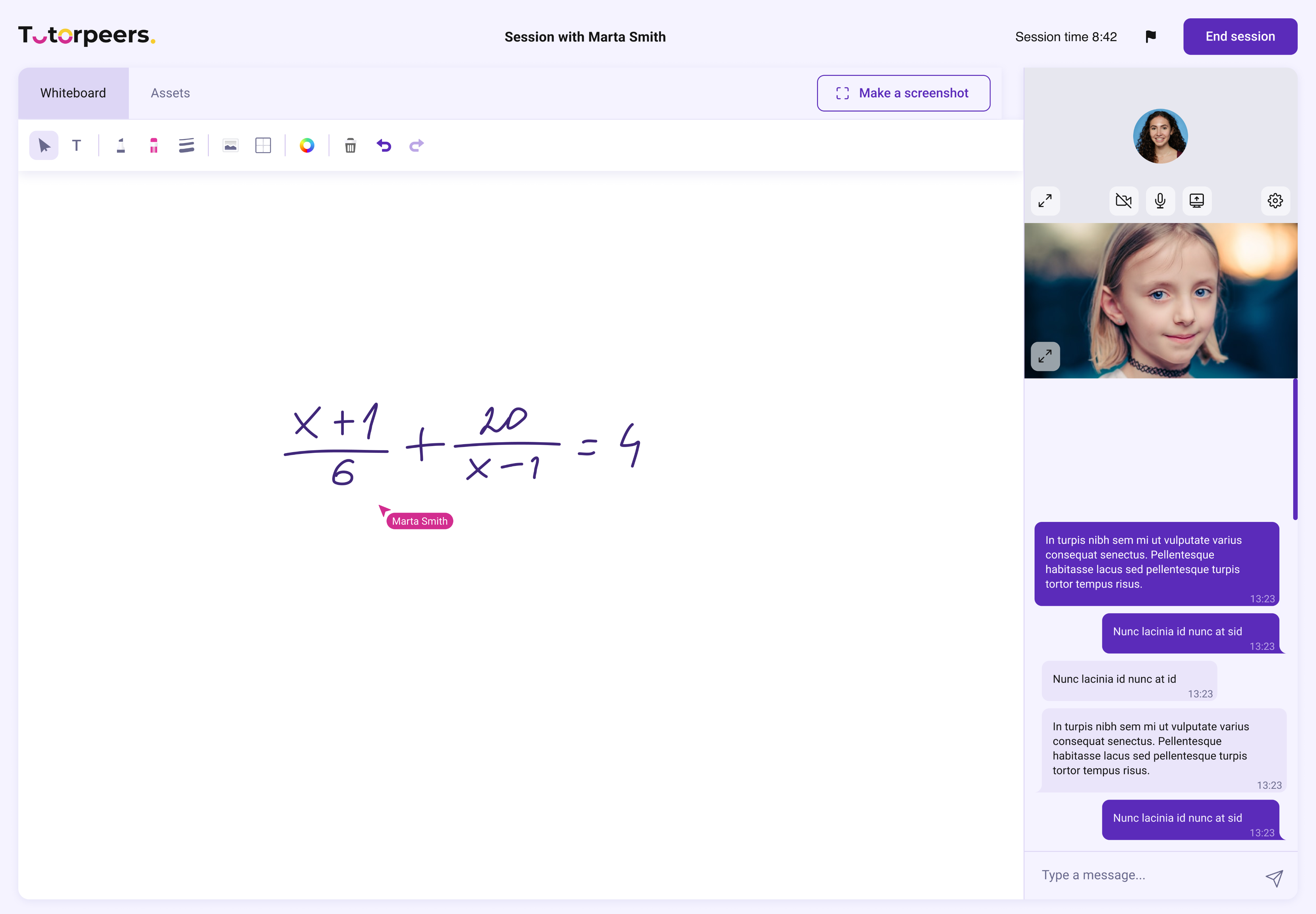
A collaborative whiteboard built into every session - tutor and learner draw, write, and solve problems on a shared canvas alongside video.
Everything a session needs in one place, with no need to switch to Zoom or Meet.
Instant Sessions
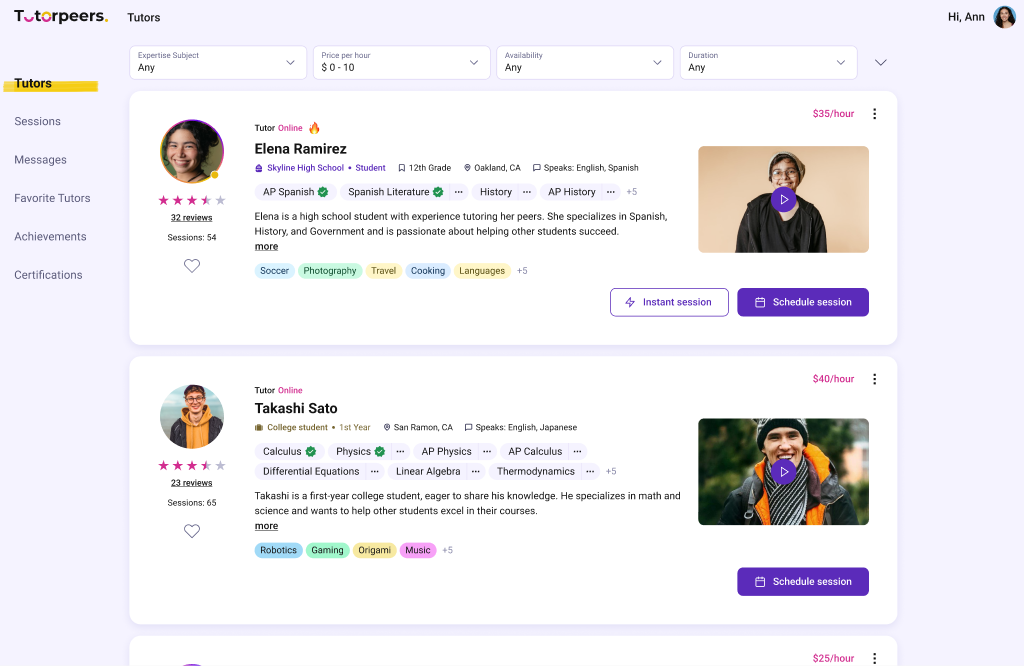
Learners saw which tutors were online via a live indicator and connected within minutes - no booking needed.
Built for the largest group: students with an urgent homework question right now.
We had just rebuilt the product, and users seemed happy - in platform satisfaction surveys they kept praising the design:
Then we looked at the session data...
of booked sessions never happened.
Wait, what?
Building a research practice to understand why
There was no user research practice when I joined, so I set one up myself. I recruited participants on UserInterviews, organized group feedback sessions with students at school, and ran Typeform surveys to gather feedback at scale. The findings turned into concrete design recommendations.
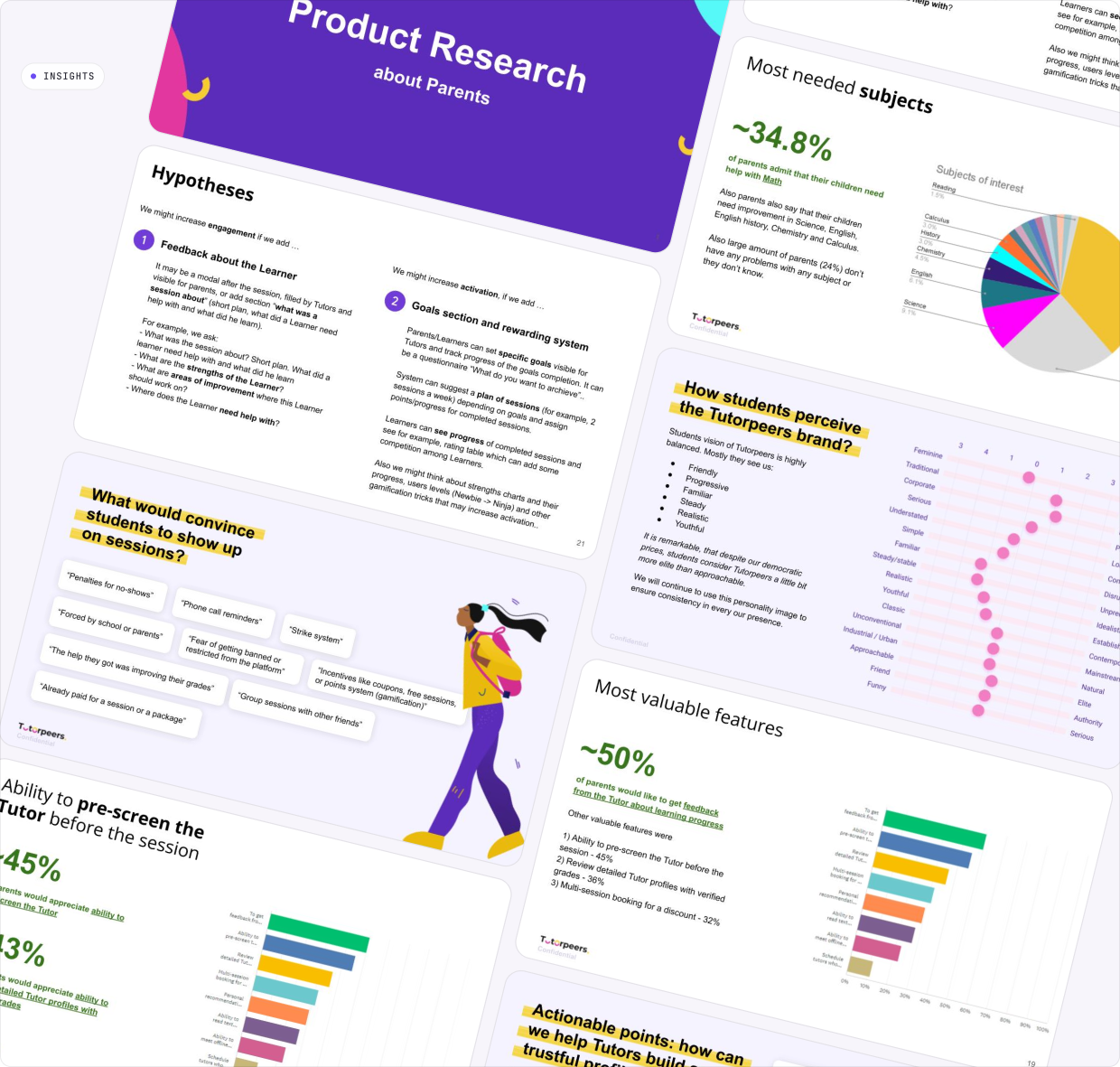
Survey of 50 parents + 2 in-depth interviews
Goal: understand parent ICP, identify activation and conversion barriers. Participants recruited on UserInterviews, surveyed via Typeform - with hypotheses tested against real data.
Sessions with School students
Goal: understand what convinces students to sign up, book, and show up. Ran as group feedback sessions directly at school - the findings shaped the engagement features.
The parent research led to opening the platform to college students as tutors. The student sessions inspired the gamification system - it was built from what students said would keep them coming back.
I presented the results to the CEO, Marketing Director, and CTO. Together we went through the findings and agreed on what to build next.

The core challenge:Motivation.
- 01Trust was the #1 barrier - students doubted peer tutors' credentials, and 68% of parents said a tutor's trusted character and real recommendations mattered most.
- 02Motivation faded before the first booking - sign-up came before seeing any tutors, and “students could lose motivation to book” along the way.
- 03No skin in the game - sessions were free to skip, with no penalties or reminders. “Already paid for a session” was students' top reason they would show up.
- 04No visible payoff - nothing tracked progress or grades, so showing up never felt worth it. Students asked for streaks, points, and seeing results.
- 05Friction at session time - barely half of students found starting a session easy, and the 12-hour cancellation policy turned late cancels into silent no-shows.

How might we build trust in peer tutors, create real commitment, and make showing up feel worth it - without making the platform feel pressured or complicated for a young audience?
Features working together
to solve the problem
Intro Sessions
Free 15-minute meet, highlighted with a dedicated button on the tutor profile.
Tutors enabled it in settings. Reduced commitment barrier while creating a real appointment.
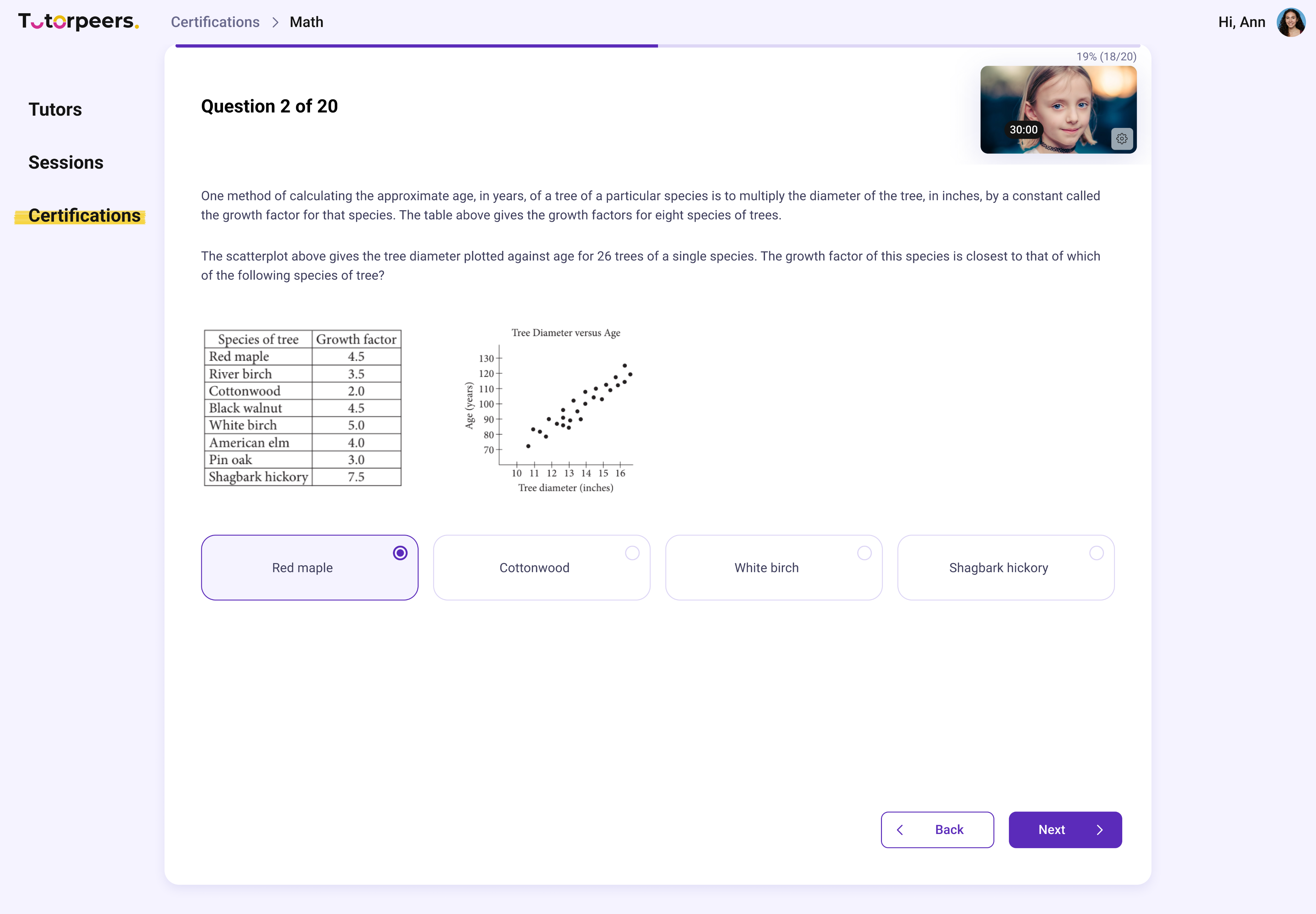
Tutor certification
Knowledge test with anti-cheat measures (tab-switch detection, timer).
Passing earned a visible badge on the tutor profile card.
Certified tutors showed up more reliably - they had skin in the game.
Certification alone was not enough: tutors with repeated no-shows were banned, and reminder notifications got stronger.
Learners and parents had no way to judge tutor quality before committing.
College cohort
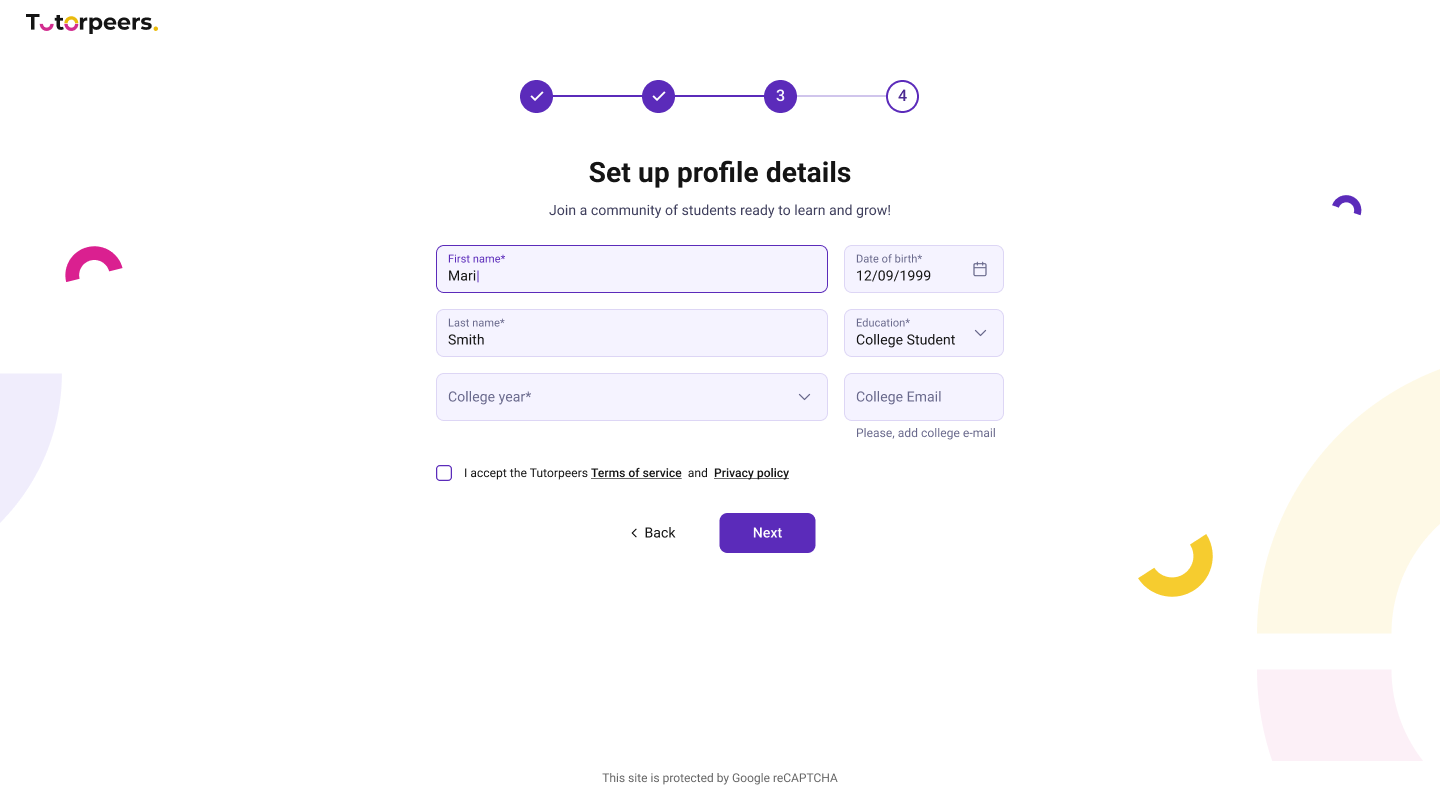
Trust features helped, but school students still depended on parents to decide and pay. So we went looking for cohorts with more of their own motivation - and the power to decide for themselves.
College students fit both, and the parent research pointed the same way: many joined not only to learn, but to tutor.
Gamification & achievements
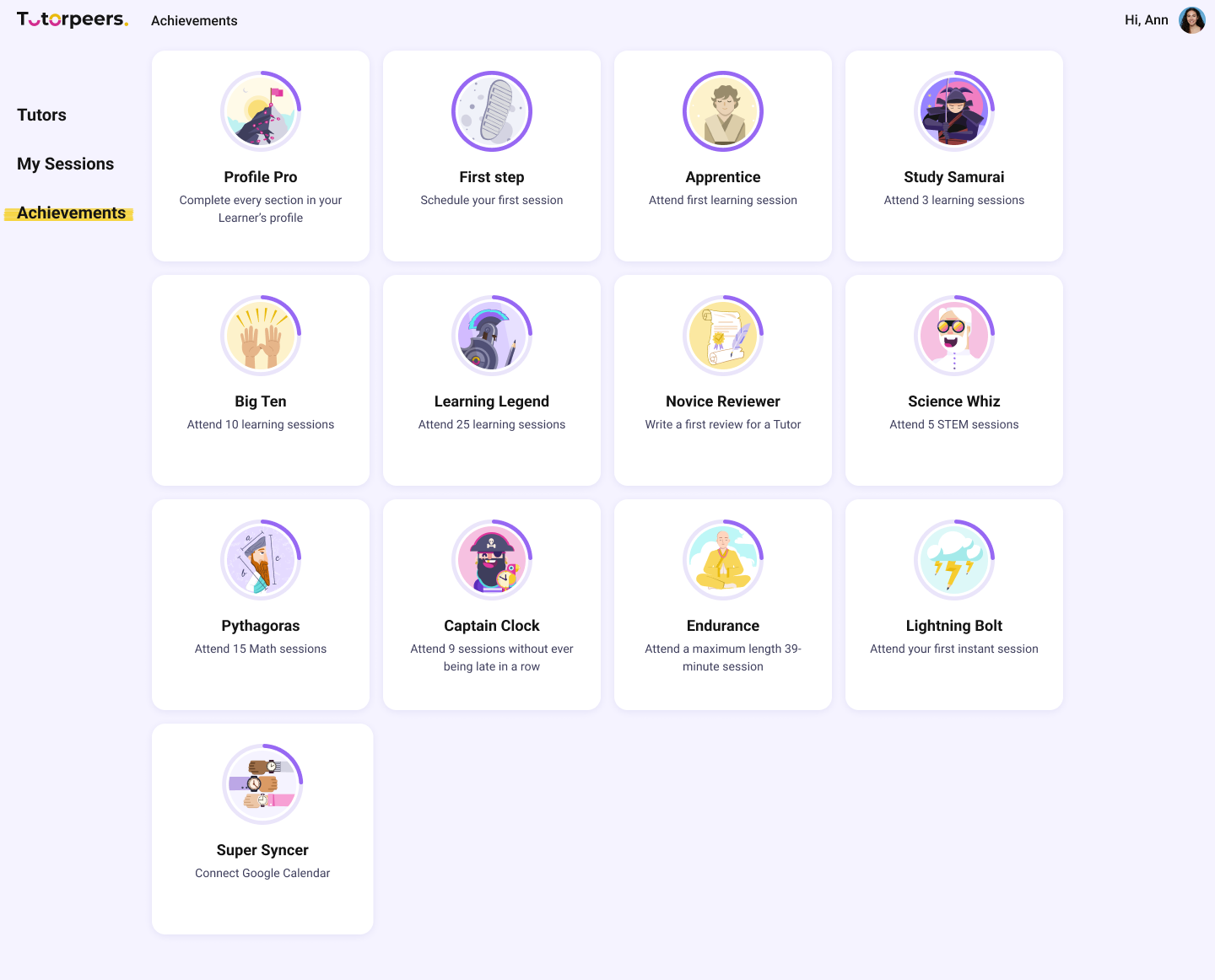
I defined the achievement logic, created the badge concepts, and illustrated them.
Badges rewarded streaks, session milestones, and learning goals - directly inspired by student research.

And the problem moved...
After the features shipped, the no-show rate finally started to drop - and the numbers around it followed.

show-up rate up from 30-45%
satisfaction score from 109 users

Net Promoter Score
What I learned - and
what I would do differently
Build the design system from day one
Building a system under screens that already existed was the hardest part of these three years - every component had to be untangled from live pages while new features kept shipping. On a new product I set up tokens and base components first, even in the smallest form. Retrofitting costs far more than starting right.
Talk to users before the numbers force you
The no-show problem sat in the data long before we ran real research. If the interviews had started in year one, certification and instant sessions would have shipped much earlier. Research should run ahead of the roadmap, not behind it.
A nice interface does not make people show up
Users praised the design while half of the booked sessions were being missed. Usability keeps people from leaving; it does not bring them back. Since then I start with what gives someone a reason to return - and polish the screens after.
In a marketplace, design for both sides
We spent months on student motivation while about half of the no-shows came from tutors. Rules that shape one side of a marketplace need a mirror on the other - certification, bans, and reminders worked because they applied to both.
The most important lesson: a platform can be visually strong - and still fail because it does not give people a real reason to show up. Engagement should come first.